

Description
Quantum Emperor MT4 v6.0 – GBPUSD H1 Expert Advisor
Quantum Emperor MT4 v6.0 is an automated Forex Expert Advisor for MetaTrader 4, designed primarily for GBPUSD on the H1 timeframe. The strategy manages trades through multiple smaller positions and a recovery framework rather than relying on a single entry and exit.
Trading Strategy
Quantum Emperor uses a multi-position approach to manage GBPUSD trades. When recovery conditions are enabled, the EA can open additional positions and use profitable trades to help manage losing positions within the basket. Because this approach can increase total market exposure, lot sizing and risk settings should be reviewed carefully before live use.
Key Features
- Designed for MetaTrader 4 (MT4)
- Primary market: GBPUSD
- Recommended chart timeframe: H1
- Multi-position trade management
- Smart Recovery functionality with configurable multiplier
- AutoLot and fixed-lot options
- Stop Loss protection and trailing trade management
- Trading-session and pending-order timing controls
- NFP and holiday trading filters
- Friday trading control
- DST/server-time adjustment options
- Eight included GBPUSD H1 risk preset files
Included Risk Presets
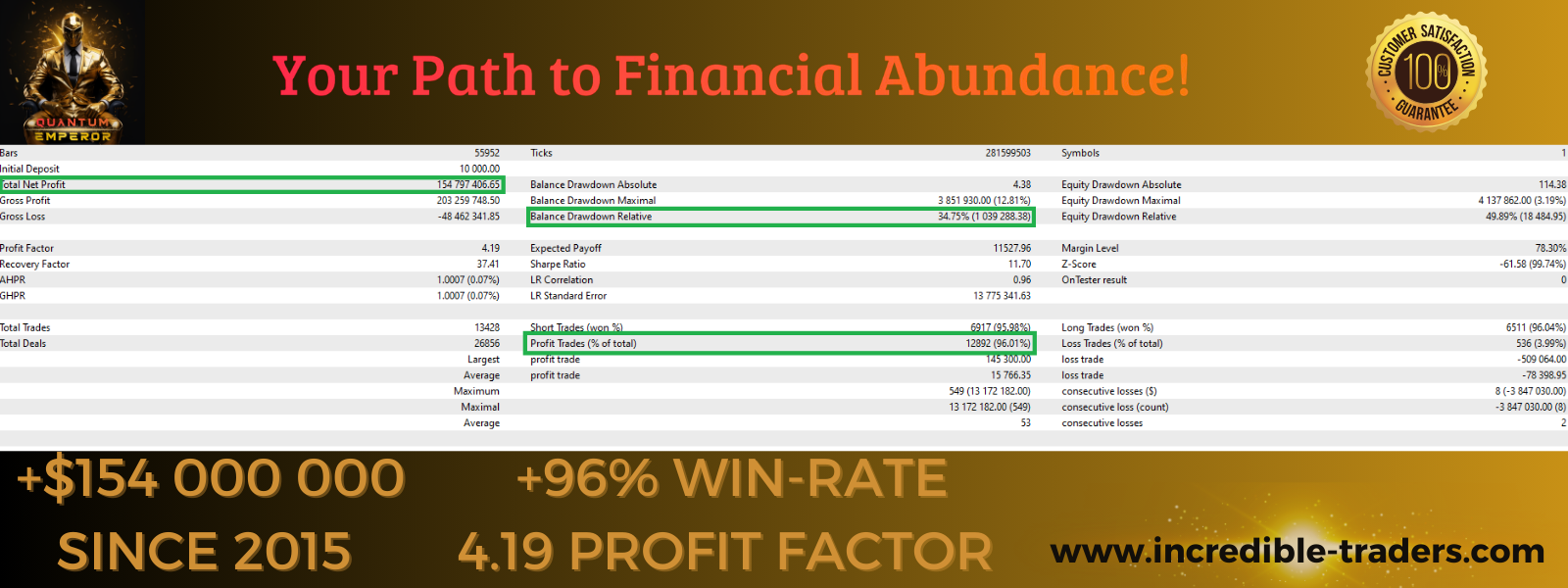
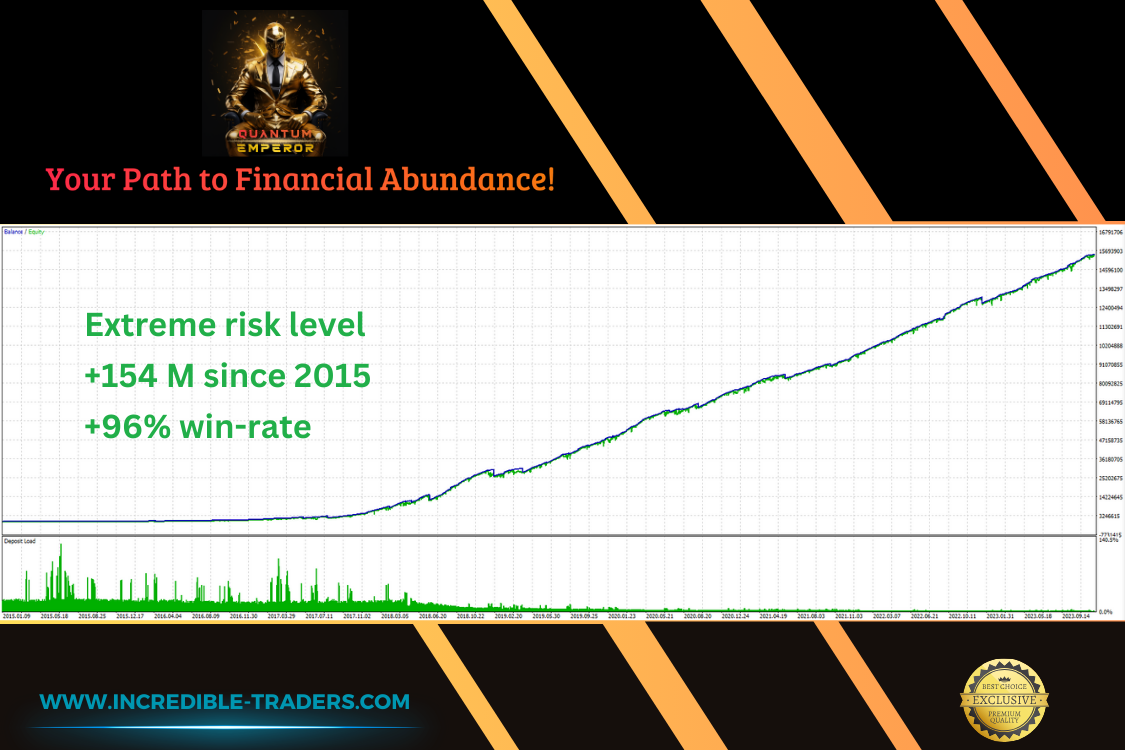
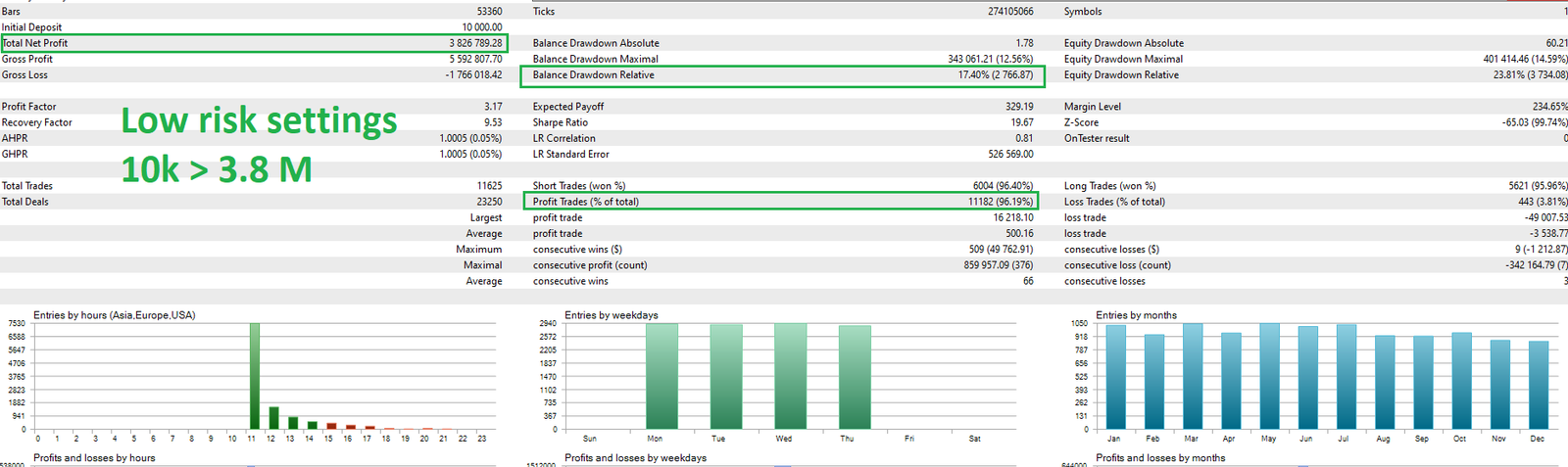
The package includes eight GBPUSD H1 preset files covering different risk profiles: Very Low, Low, Low-Medium, Medium, Medium-High, High, Very High and Extreme Risk. Start with the lower-risk presets and test carefully before increasing exposure.
Package Contents
- Quantum Emperor MT4 v6.0 EX4 Expert Advisor
- 8 GBPUSD H1 SET preset files
- Recommended Brokers document
Recommended Trading Environment
The existing product guidance recommends a low-spread ECN, RAW or Razor-style account and a hedging account for GBPUSD. A VPS may help keep MetaTrader 4 running continuously. Broker spreads, commissions, slippage, leverage, server time and execution quality can materially affect automated trading results.
Recommended Broker Links
Affiliate disclosure: We may receive a commission if you open an account through these partner links, at no additional cost to you. Broker availability, regulation and trading conditions vary by country and account type.
Installation & Testing
- Install the EX4 file in the MetaTrader 4 Experts folder.
- Restart MT4 or refresh the Navigator panel.
- Open a GBPUSD H1 chart.
- Attach Quantum Emperor to the chart.
- Load an appropriate SET file or review the inputs manually.
- Confirm broker server time, spread and account conditions.
- Backtest where appropriate and run the EA on a demo account before considering live trading.
Quantum Emperor MT4 FAQ
What pair and timeframe are recommended?
The supplied presets and existing product guidance are designed around GBPUSD on H1.
Does the EA use recovery trading?
Yes. The included settings expose Smart Recovery and multiplier controls. Recovery strategies can increase exposure when markets move against open positions.
Is a low-spread broker important?
Yes. Spread, slippage, commission and execution can affect automated trading, particularly when multiple positions are being managed.
Quantum Emperor MT4 v6.0 Specifications
| Product | Quantum Emperor MT4 v6.0 |
| Platform | MetaTrader 4 (MT4) |
| Primary Pair | GBPUSD |
| Recommended Timeframe | H1 |
| Strategy | Multi-position trading with Smart Recovery |
| Lot Management | AutoLot or fixed lot |
| Included Presets | 8 GBPUSD H1 risk profiles |
| EA File | EX4 for MetaTrader 4 |
Compare Related MT4 Expert Advisors
Quantum Emperor MT4 v6.0 is part of our MT4 Expert Advisors collection. You can also browse our Quantum EAs to compare other automated trading systems by platform, strategy and risk-management approach.
Risk Warning
Forex and CFD trading involves significant risk. Recovery and multi-position strategies can increase drawdown and account exposure. Automated trading cannot guarantee profits or eliminate losses. Historical or backtested performance does not guarantee future results. Test the EA thoroughly and use risk settings appropriate for your account.







Reviews
There are no reviews yet.