
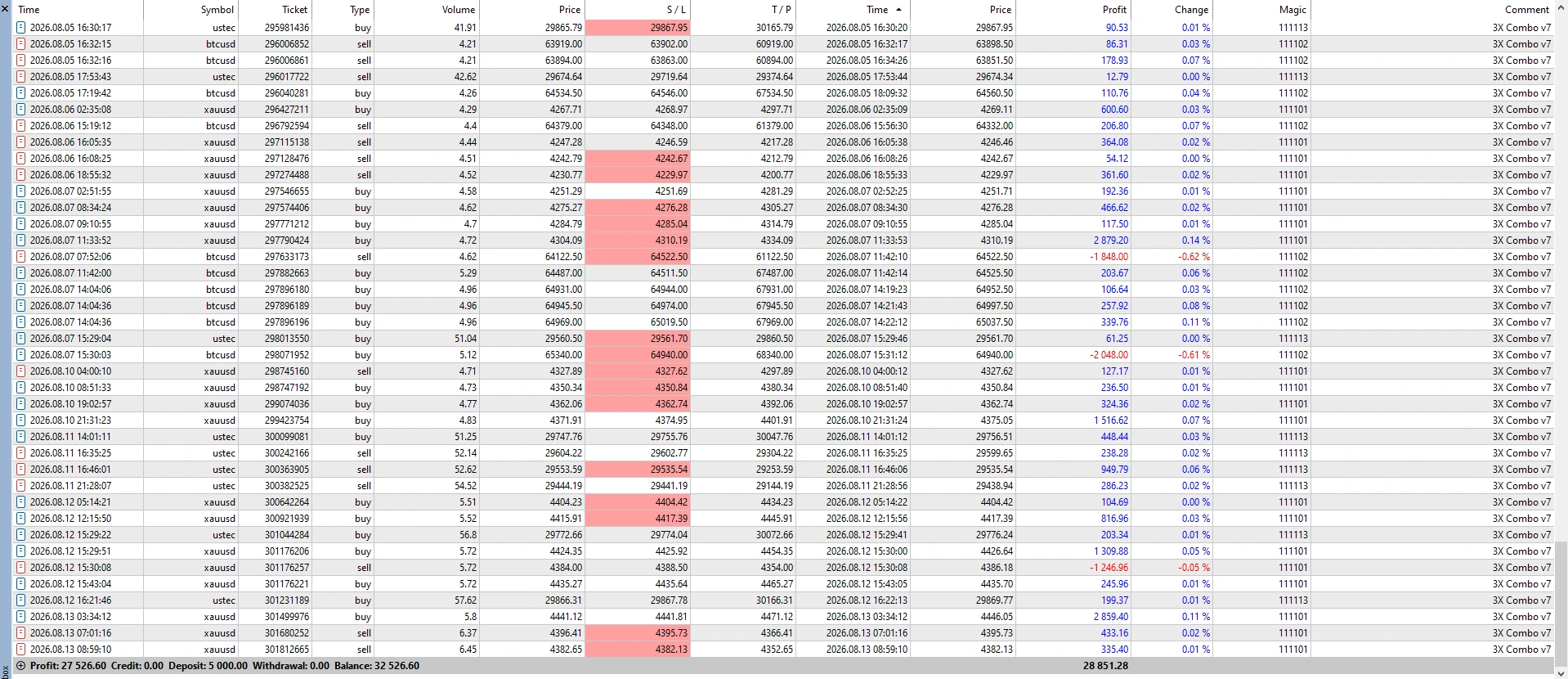
Description
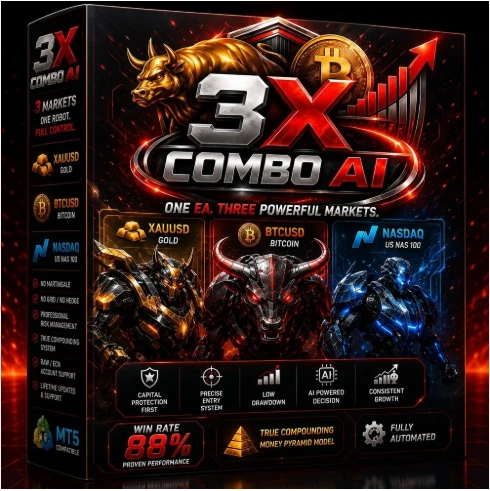
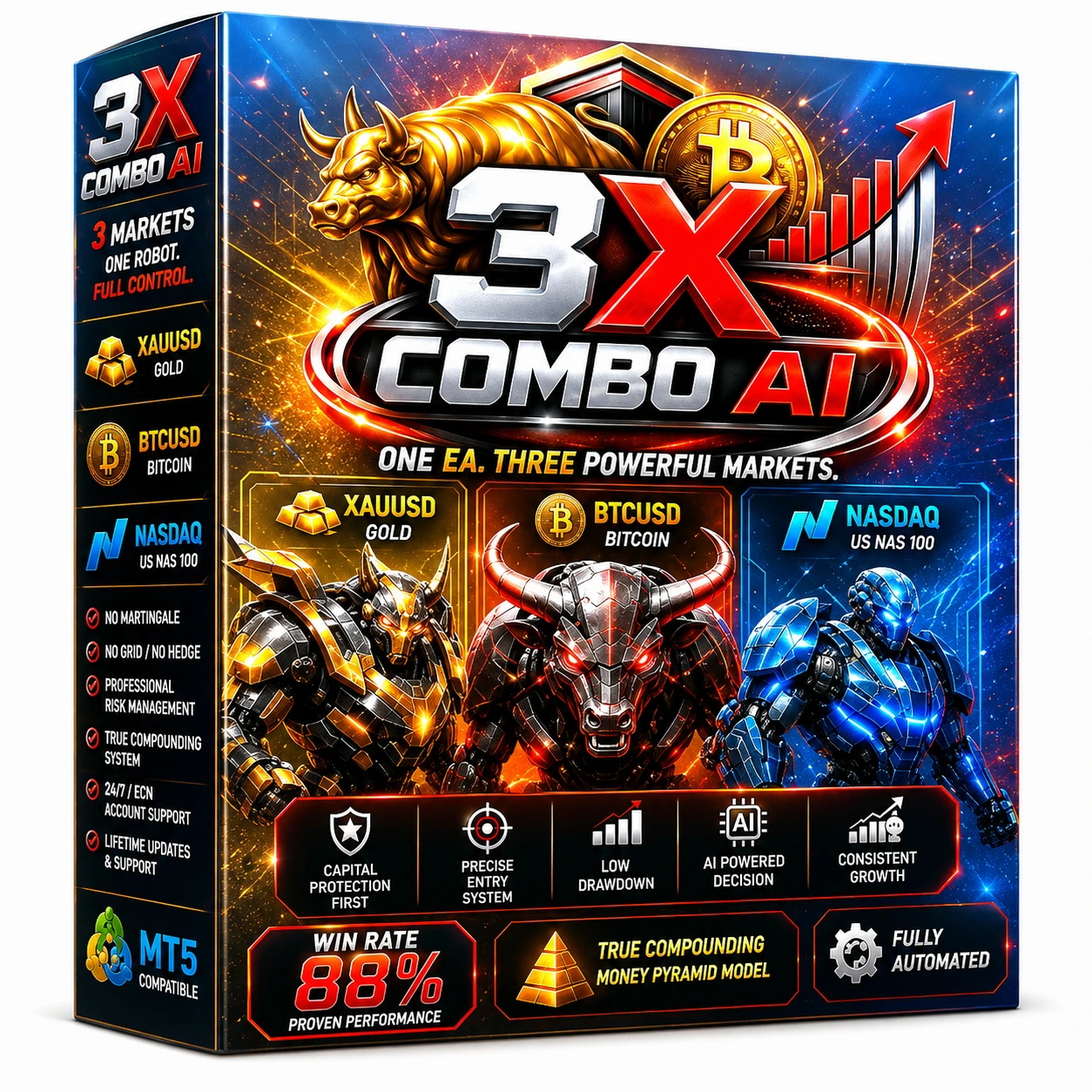
3X Combo AI MT5 Version 3.2 – Automated Trading Robot for MetaTrader 5
3X Combo AI MT5 Version 3.2 is an automated Expert Advisor designed for traders seeking a convenient, rules-based trading solution for MetaTrader 5. The EA combines three trading approaches to analyse market conditions, identify potential opportunities and manage trades automatically.
Instead of relying on a single signal, 3X Combo AI MT5 uses a combined trading framework designed to respond to different market environments. Version 3.2 includes updated trade execution and management for a smoother automated trading experience.
Key Features
- Three combined trading approaches
- Fully automated MT5 trade execution
- Automatic entry and exit management
- Built-in money-management settings
- Adjustable lot size and trading parameters
- Straightforward installation on MetaTrader 5
- Can operate continuously while the MT5 terminal is running
Important Testing Information
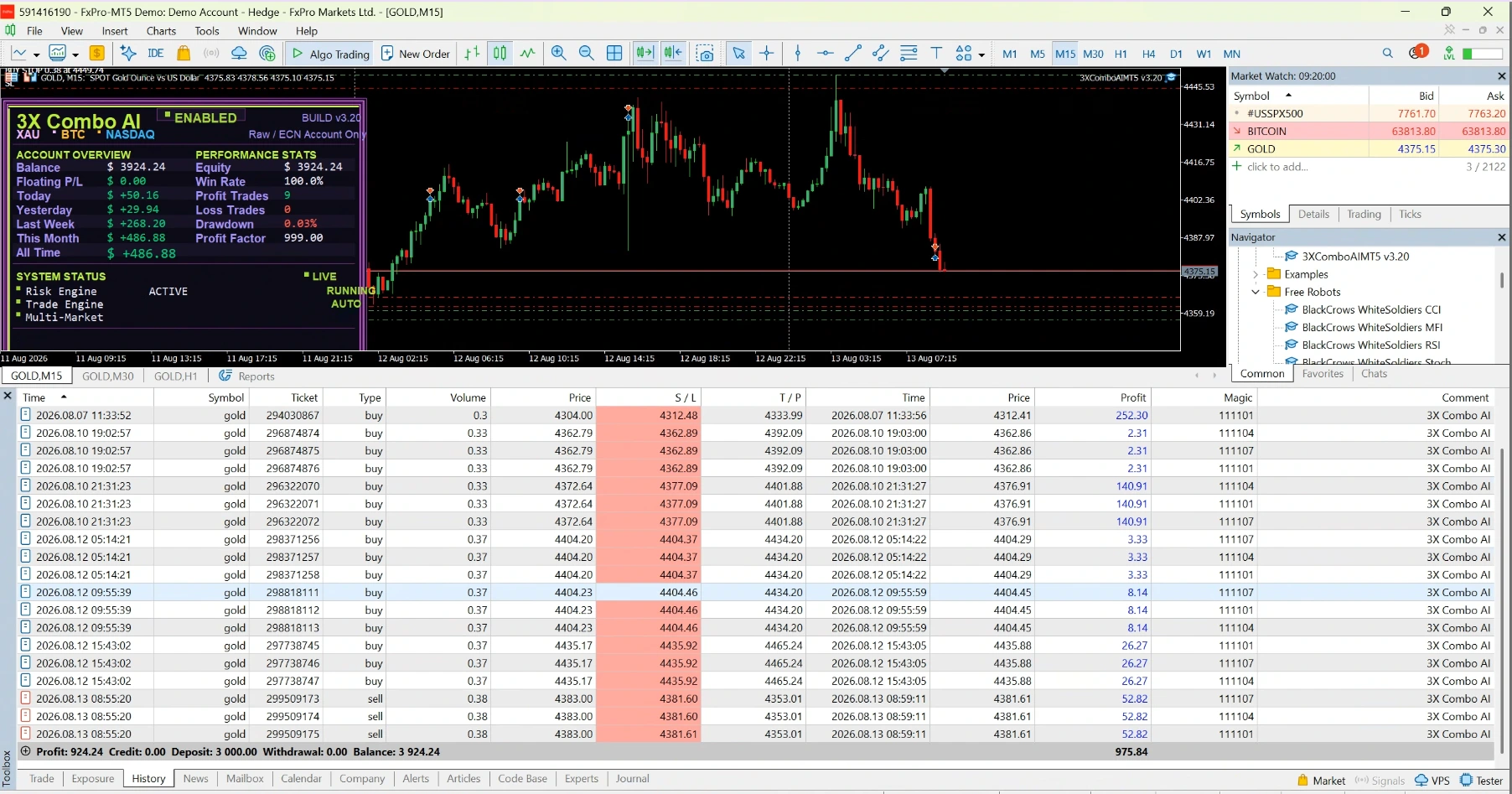
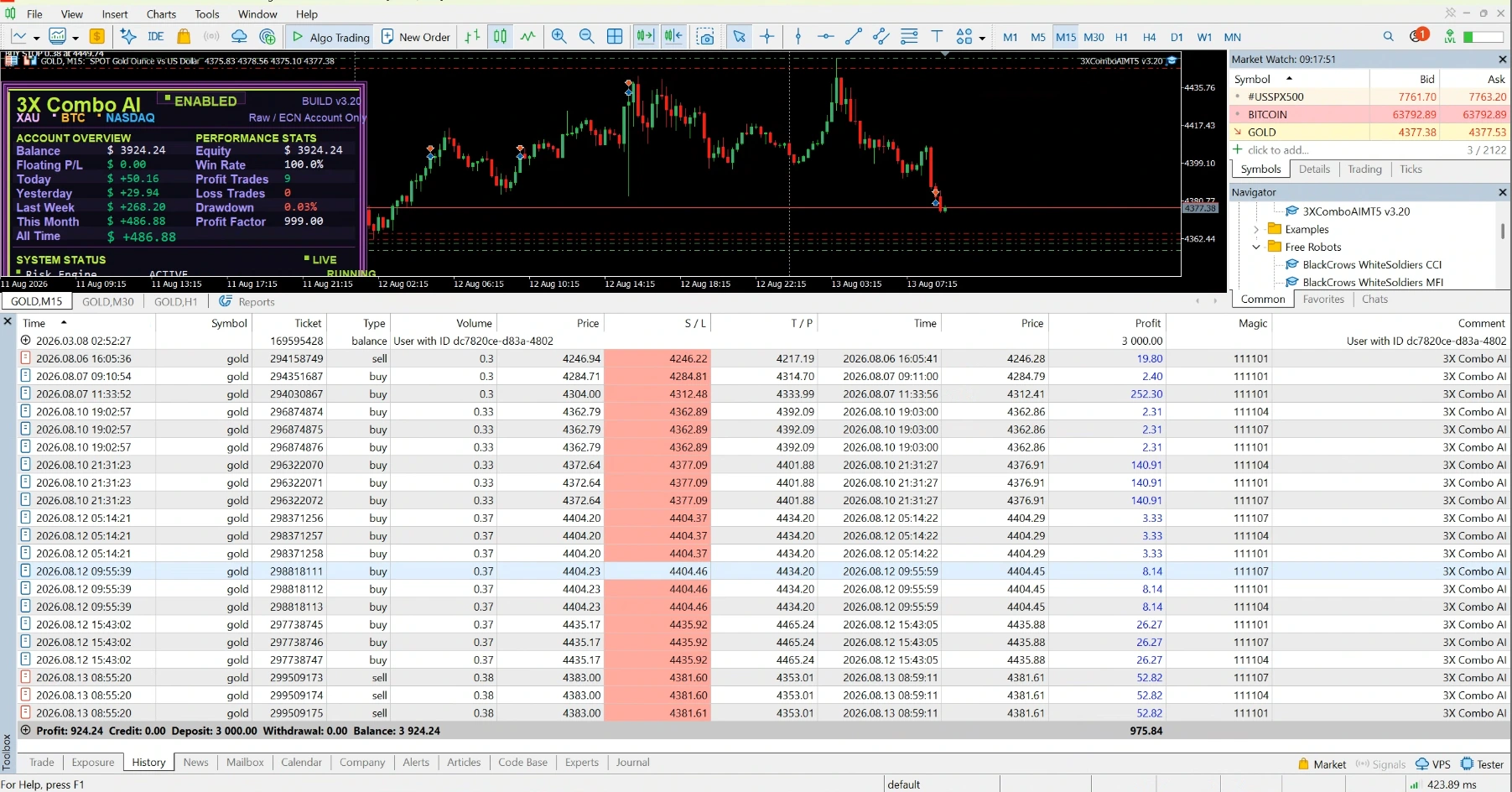
3X Combo AI MT5 Version 3.2 cannot be tested in the MetaTrader 5 Strategy Tester. Because backtesting is not supported, users should evaluate the EA through forward testing on a demo account under their intended broker conditions before considering live trading.
Trading involves risk. Forward-testing results may differ from future live performance, and no profit or performance outcome is guaranteed.
3X Combo AI MT5 v3.2 – Setup, Broker Links & Product FAQ
3X Combo AI MT5 v3.2 is built for MetaTrader 5. Before using it, confirm the supported market, recommended timeframe and account settings. For supported Forex and CFD markets, broker-specific spreads, commission, leverage, symbol specifications and execution quality can affect how the software behaves.
Recommended Broker Links
These partner links are the same broker links listed on GoldTradingEAs.com:
Affiliate disclosure: We may receive a commission if you use one of these links, at no additional cost to you. Verify current regulation, product availability, platform support and trading terms for your jurisdiction before opening an account.
Installation and Testing
- Confirm MetaTrader 5 is installed and updated.
- Use the correct symbol and timeframe specified for the product.
- Review lot sizing, Stop Loss, Take Profit and risk controls.
- Check broker spread, commission, leverage and execution.
- Use backtesting where appropriate and complete a demo test before live use.
3X Combo AI MT5 v3.2 FAQ
Does broker choice affect automated trading?
Yes. Differences in spread, slippage, execution and contract specifications can change results, especially on volatile markets.
Is this a guarantee of trading performance?
No. The software follows programmed rules, but market conditions can change and losses are possible.
Where can I find related products?
Browse our MT5 Expert Advisors for additional automated trading and development tools.
Risk Disclosure
Trading Forex, Gold and CFDs carries significant risk. Automated software cannot guarantee profits or eliminate losses. Backtests, screenshots and past performance do not guarantee future results.






Reviews
There are no reviews yet.