




Description
Gold Portfolio EA for MetaTrader 5
Run five gold trading strategies across six configurable timeframe slots from one chart. Gold Portfolio EA combines Sirius, Vega, Altair, Rigel and Antares with individual strategy settings, position sizing, trade management and a portfolio dashboard.

Gold Portfolio EA: six configurable timeframe slots
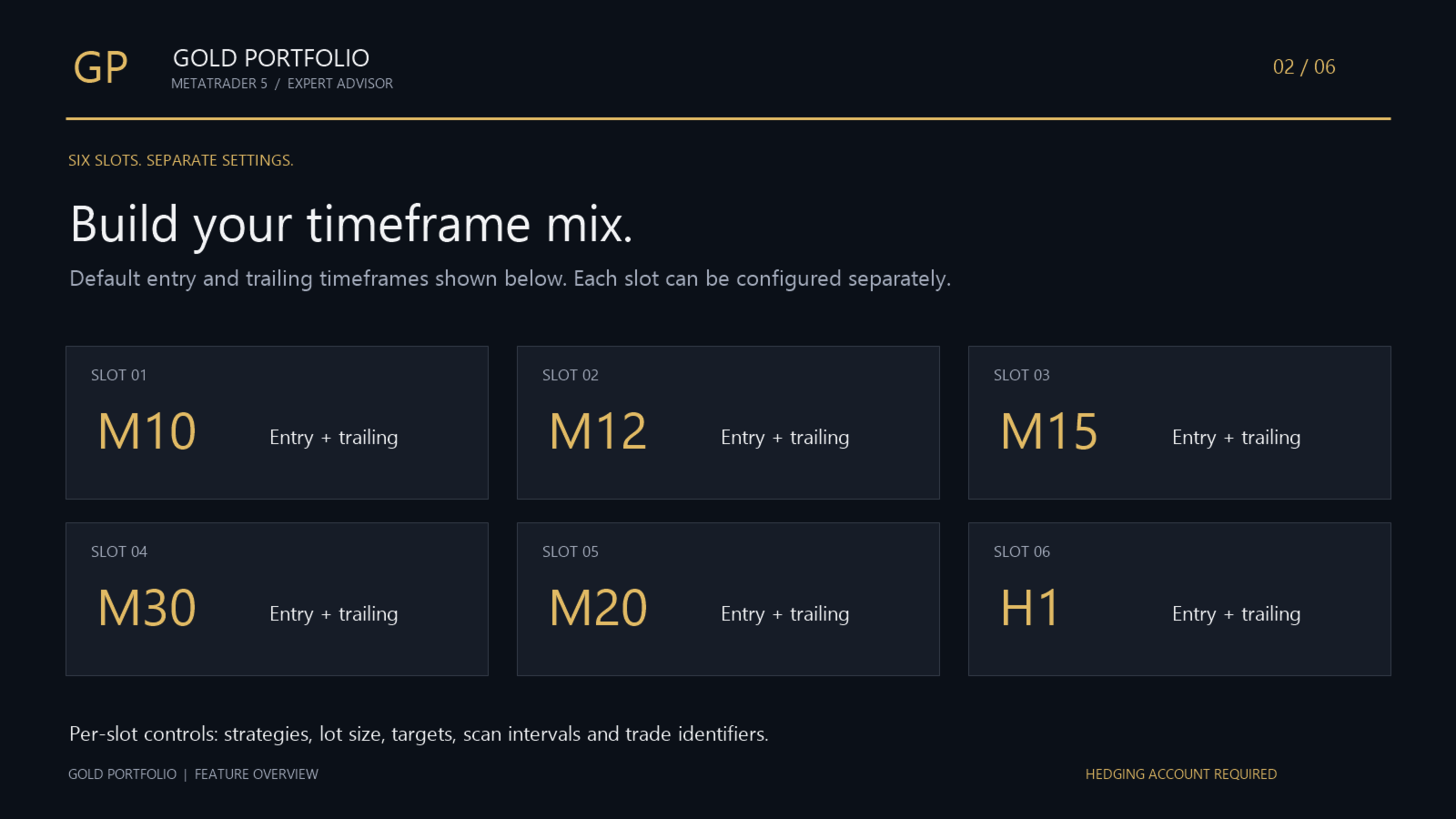
The default entry timeframes are M10, M12, M15, M20, M30 and H1. Enable or disable each slot and configure its strategy, entry and trailing timeframes, scan interval, fixed lot size, profit targets and recovery settings. Separate trade identifiers track activity by strategy and timeframe.
Position sizing and trade management
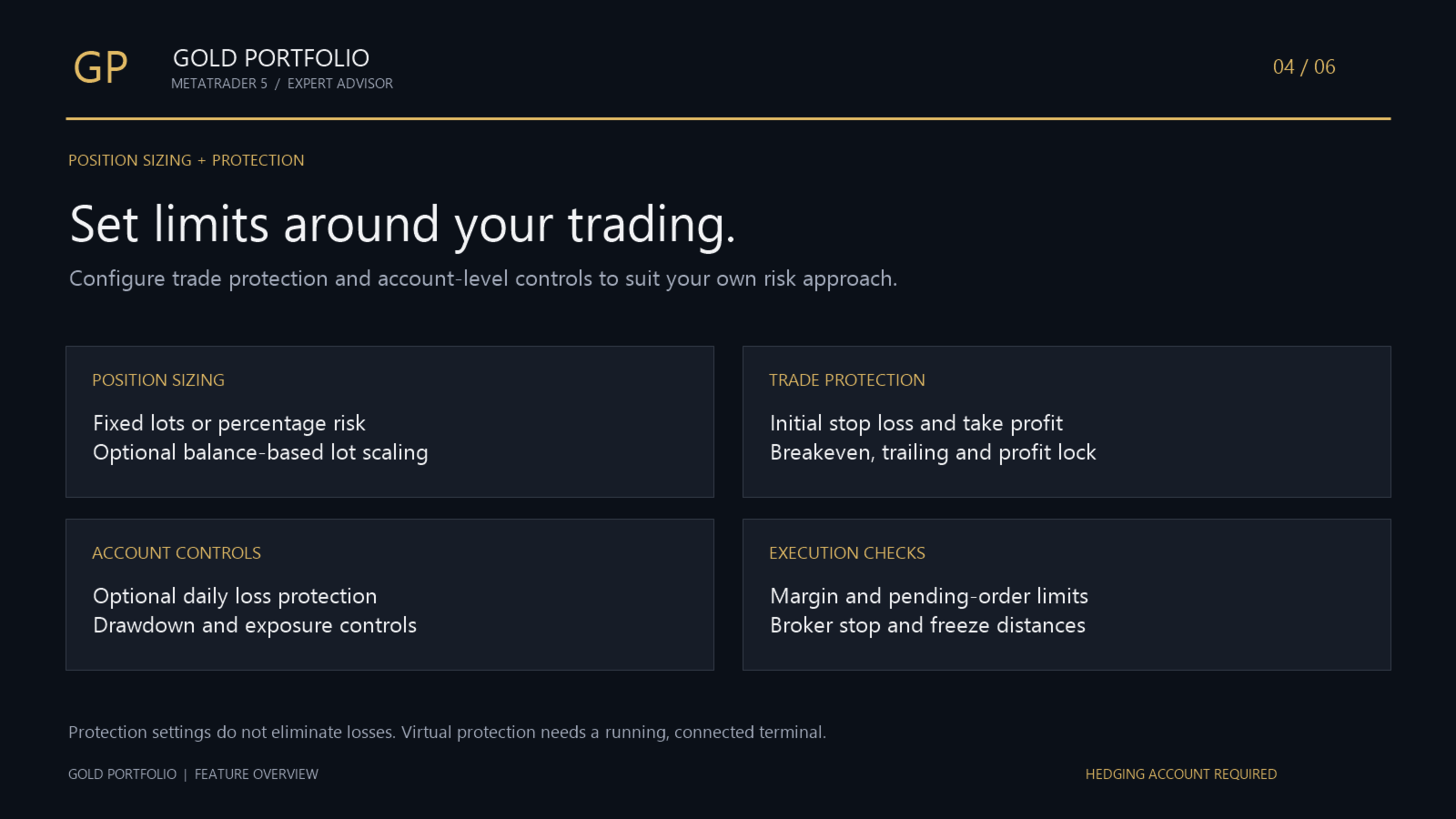
- Fixed lots, percentage-risk sizing or a custom risk percentage.
- Optional balance-based lot scaling.
- Initial broker-side stop loss and take profit.
- Strategy-specific trailing stops and breakeven logic.
- Profit-lock protection and optional virtual trailing protection.
- Checks for available margin, pending-order limits and broker restrictions.
Virtual protection needs the EA and MetaTrader terminal to remain running and connected. Market conditions and broker restrictions can delay execution.
Trading sessions and economic events
Set a daily entry window and use the weekend shield to pause entries around the weekly close and reopening. Optional economic-calendar protection includes separate controls for NFP, CPI and FOMC events and depends on available calendar data.
Account protection controls
Configure daily loss limits, total drawdown limits, profit-target stopping and exposure limits. Drawdown calculations can use a static baseline, trailing balance or trailing equity. These settings do not guarantee compliance with a proprietary trading firm’s rules.
Monitor the portfolio from one dashboard
View balance, equity, portfolio profit and loss, timeframe activity, base lot sizes, open positions, pending orders and protection status. All six slots can be monitored from one chart.
Important: optional loss recovery
Recovery increases order volume after a losing result for the relevant strategy and timeframe. In the supplied defaults, recovery is disabled for Slots 1–5 and enabled for Slot 6, with a 2× multiplier and a maximum recovery step of 3. Loss-based volume increases can raise exposure and drawdown. Recovery can be disabled in every slot.
Gold Portfolio EA setup requirements
For other systems and platform options, browse our MT5 Expert Advisors for gold and forex.
- Use a MetaTrader 5 hedging account.
- Attach the EA to your broker’s gold chart.
- Review lot sizing, recovery and account protection inputs.
- Test with your broker’s symbol specifications and trading conditions before live use.
- Keep MetaTrader running and connected for ongoing management.
Avoid another EA using the same trade identifiers on the same account.
Purchase Gold Portfolio EA
Version 1.5 is listed at US$69 on MQL5 Market. Purchase and licence terms are handled on MQL5; check the listing for current details.
View Gold Portfolio EA on MQL5 Market
Risk notice: Trading involves risk of loss. No strategy, recovery setting or protection feature guarantees profitability. Past performance and backtests do not guarantee future results.








Reviews
There are no reviews yet.