



Description
Gann Made Easy Indicator MT5 v2.8
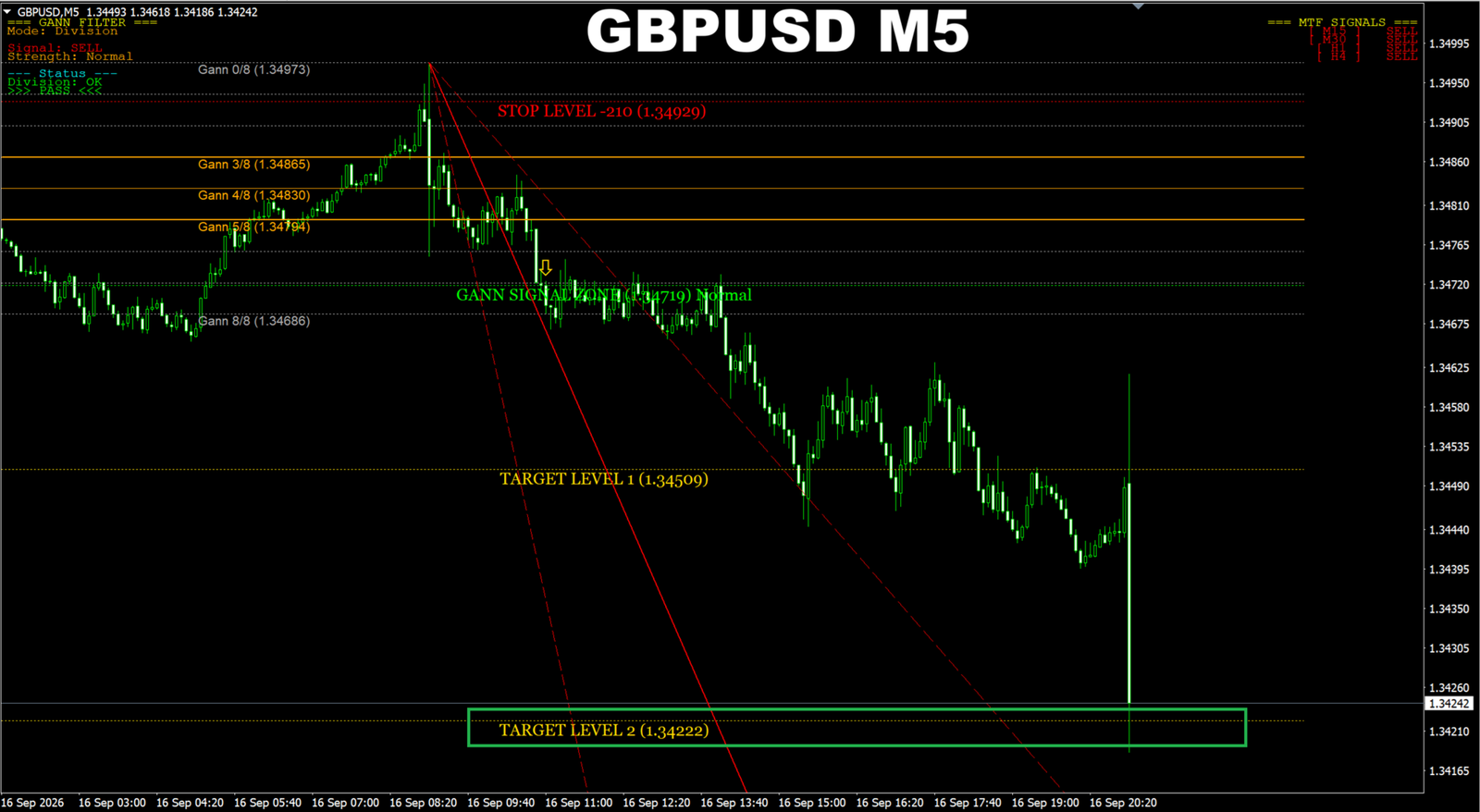
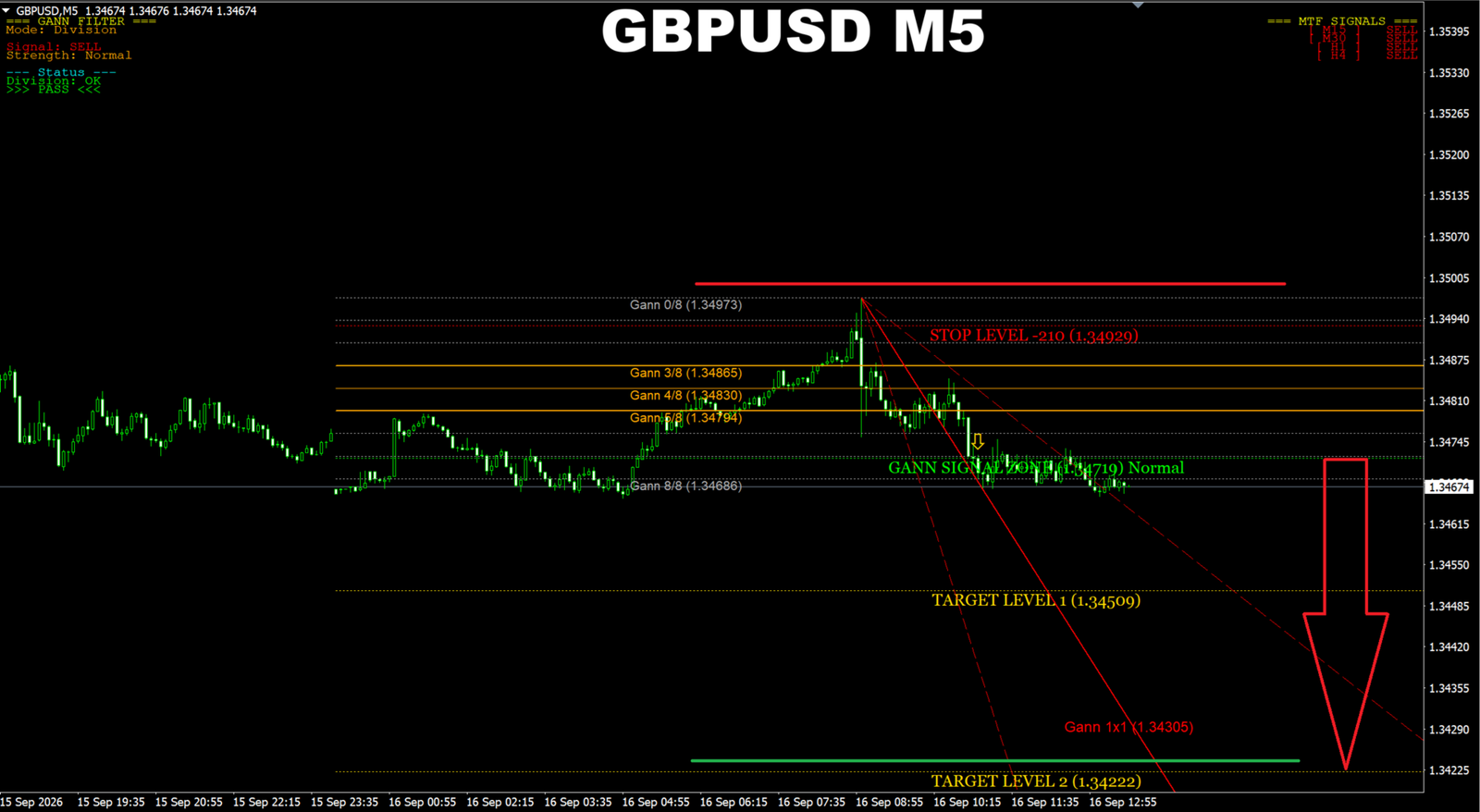
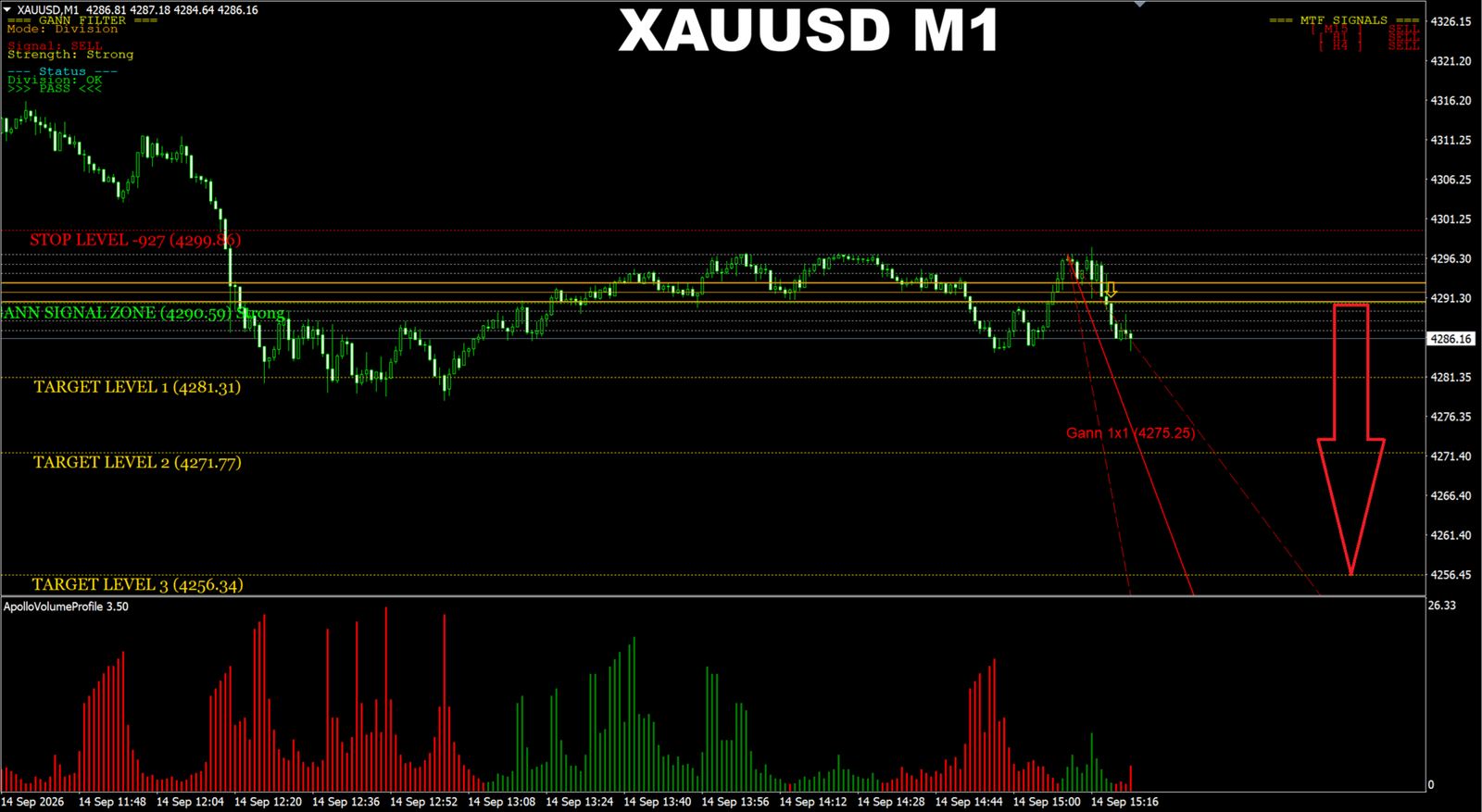
Gann Made Easy Indicator MT5 is a MetaTrader 5 chart indicator for visual technical analysis. The supplied examples show Gann division levels, diagonal angle lines, signal zones, stop levels and target levels on Gold (XAUUSD) and Forex charts.
Features shown in the examples
- Gann price divisions, including 3/8, 4/8 and 5/8 levels.
- Buy and sell markers and signal zones.
- Stop and target reference levels.
- Filter mode, signal strength and status panel.
- Multi-timeframe signal readings.
Examples include XAUUSD M1, GBPUSD M5, EURUSD M15 and USDCAD M15. They illustrate chart displays, not verified trading performance.
Product details
- Platform: MetaTrader 5 desktop.
- Version: 2.8, identified by the supplied filename.
- File: GannMadeEasy V2.8 Indicator.ex5.
- Compiled indicator; source code is not included.
Gann Made Easy Indicator MT5 installation
- In MT5, choose File → Open Data Folder.
- Copy the EX5 file into MQL5 → Indicators.
- Refresh Navigator or restart MT5, then attach the indicator to a chart.
- Review the inputs and test on a demo account.
Activation requirements and terminal compatibility have not been independently tested. Automatic trade execution and non-repainting behavior are not claimed.
Related tools
Browse MT5 indicators, compare MT5 Expert Advisors and explore the Gold EA Learning Center.
Risk notice: Signals and historical examples do not guarantee future results. Trading involves risk of loss. The separate volume-profile panel visible in one screenshot is not included in the supplied file.








Reviews
There are no reviews yet.